Your whole book,
in one place.
Codex is an open-source writing studio for non-fiction books and series. Plan the structure, keep your research beside the draft, clear every quote for copyright and export a print-ready PDF, all without leaving the book.
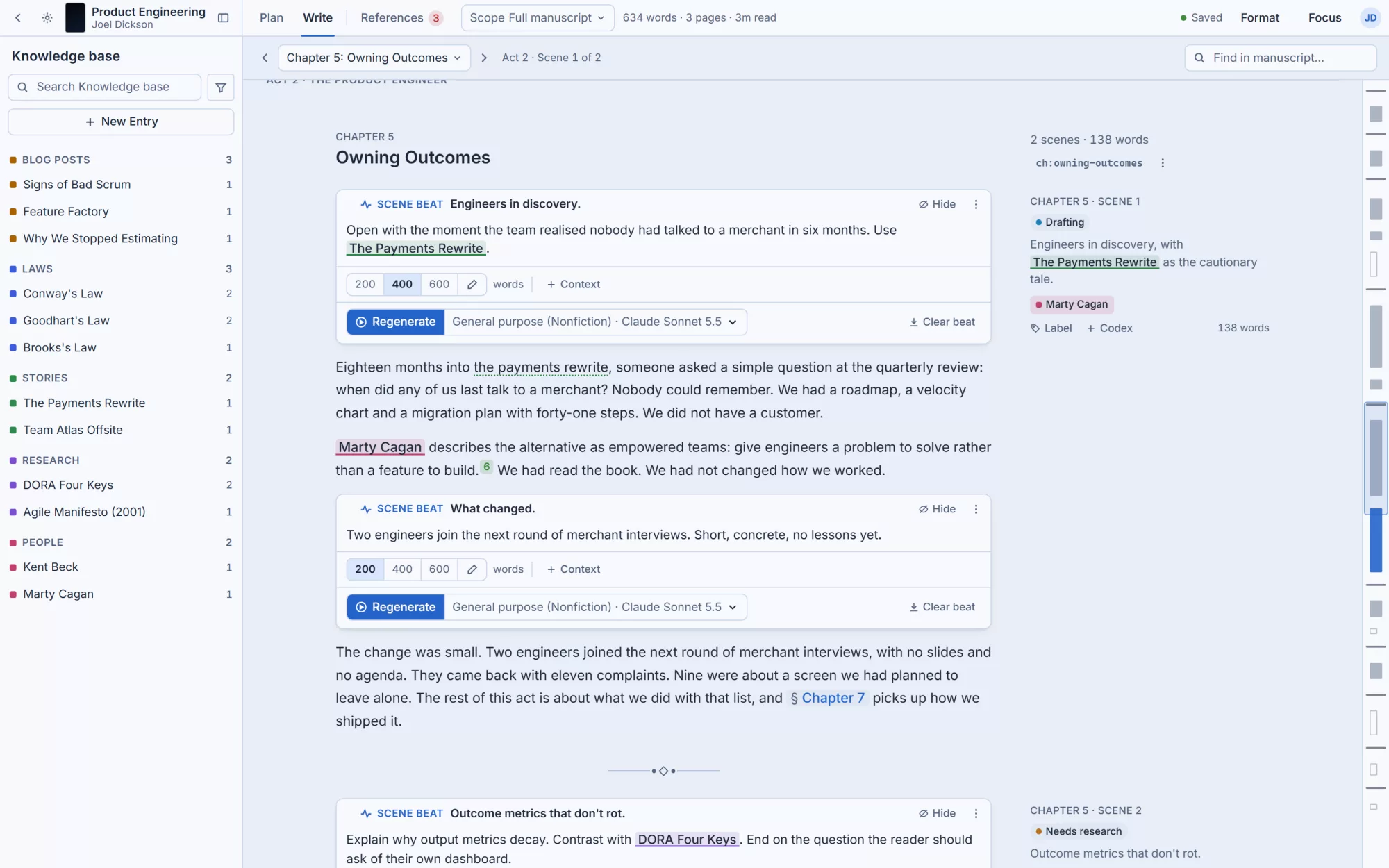
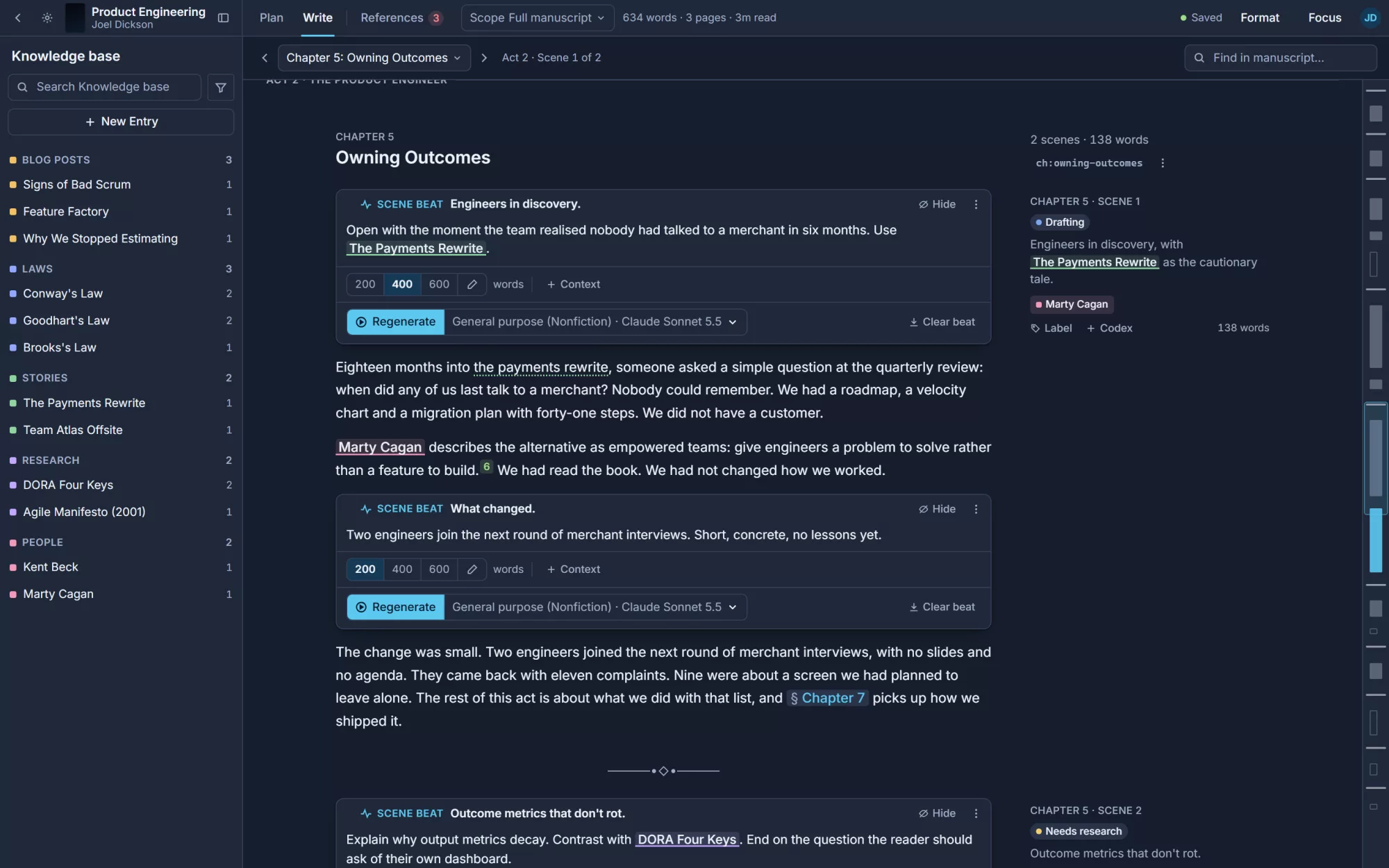
A book is more than a document.
Long non-fiction lives across outlines, notes, citations, permissions and print files. Codex keeps all of it attached to the manuscript, so nothing drifts out of date.
Structure you can see
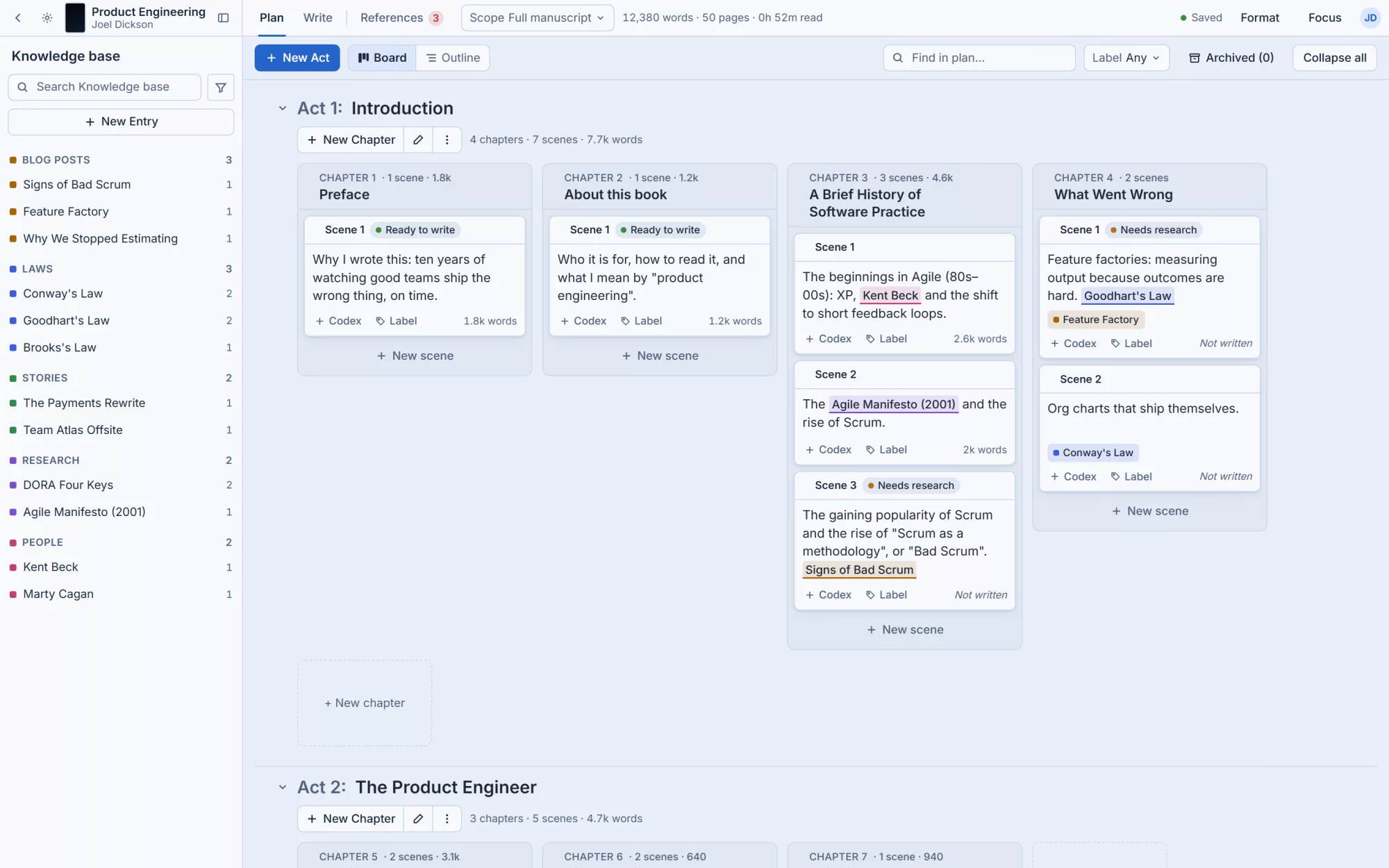
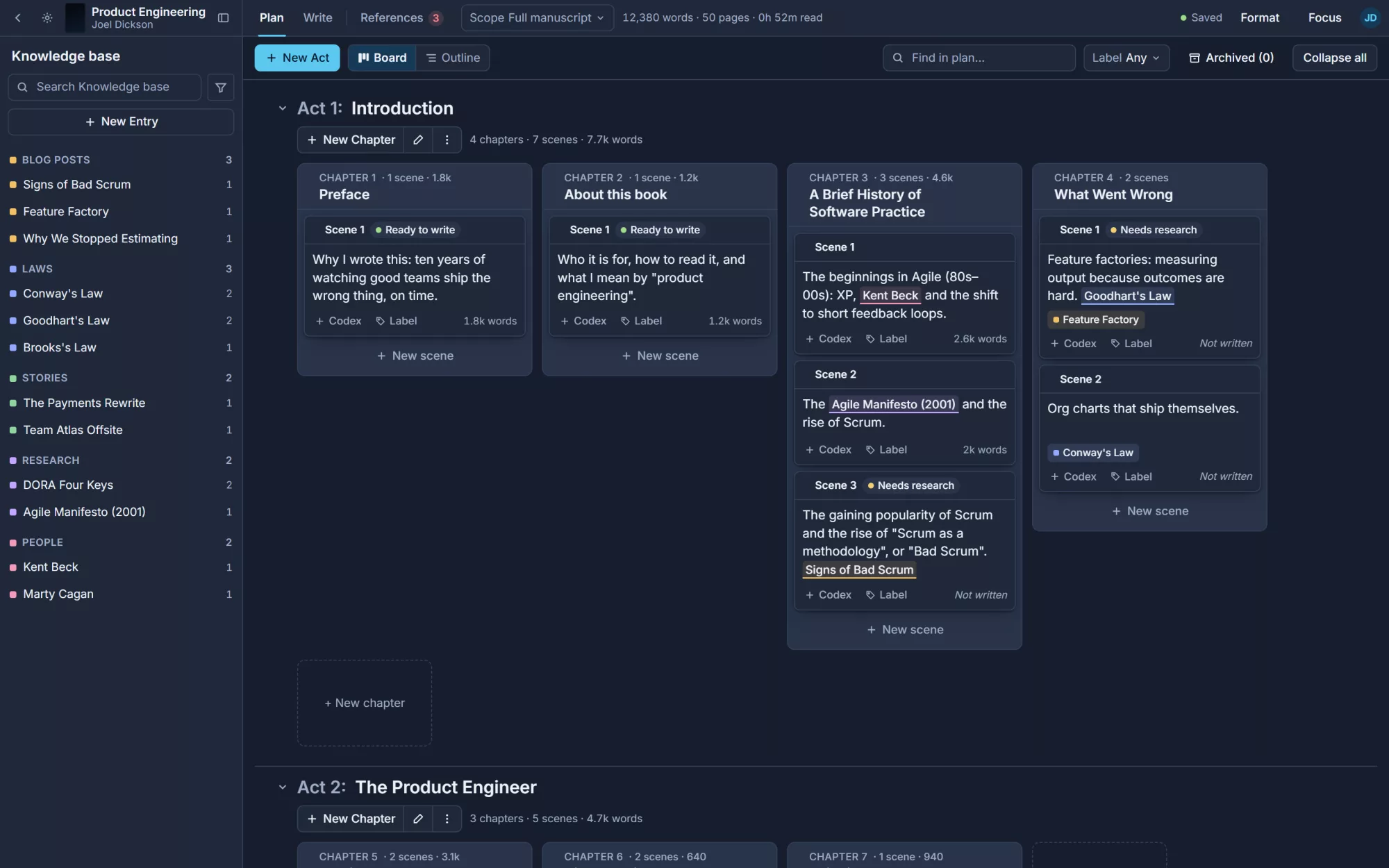
Acts, chapters and scenes on a board. Move a scene and the manuscript follows. Label what needs research and see at a glance what's left to write.
Research beside the draft
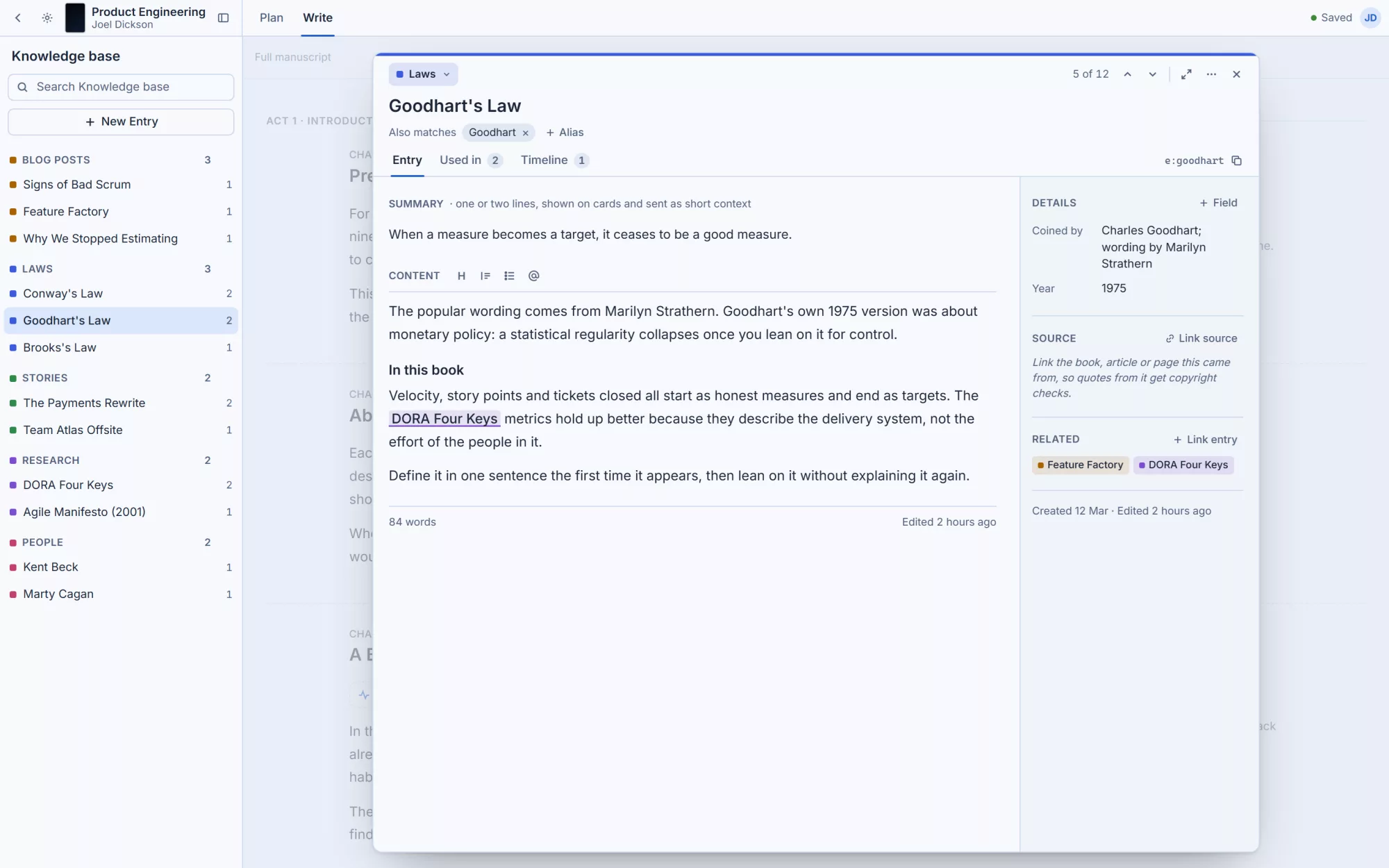
People, laws, studies and stories live in a knowledge base that links itself into your text. Click a name to open everything you know about it.
From draft to printer
Every quote checked against publisher rules, a bibliography built for you, and a print-ready PDF from real LaTeX templates when you're done.
Six workspaces, one book.
Every screen shares the same chapters, sources and entries, so you never copy anything between tools.
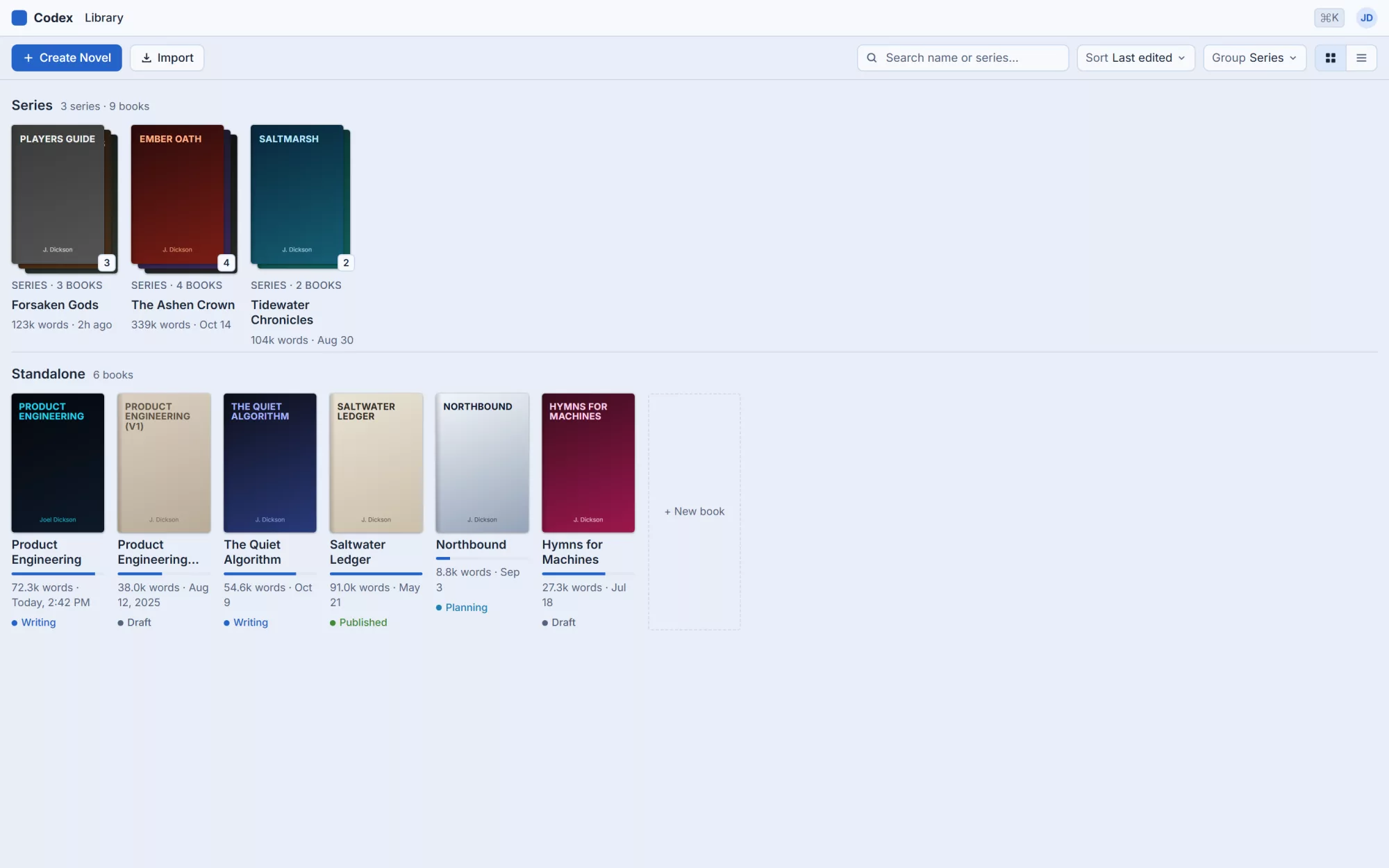
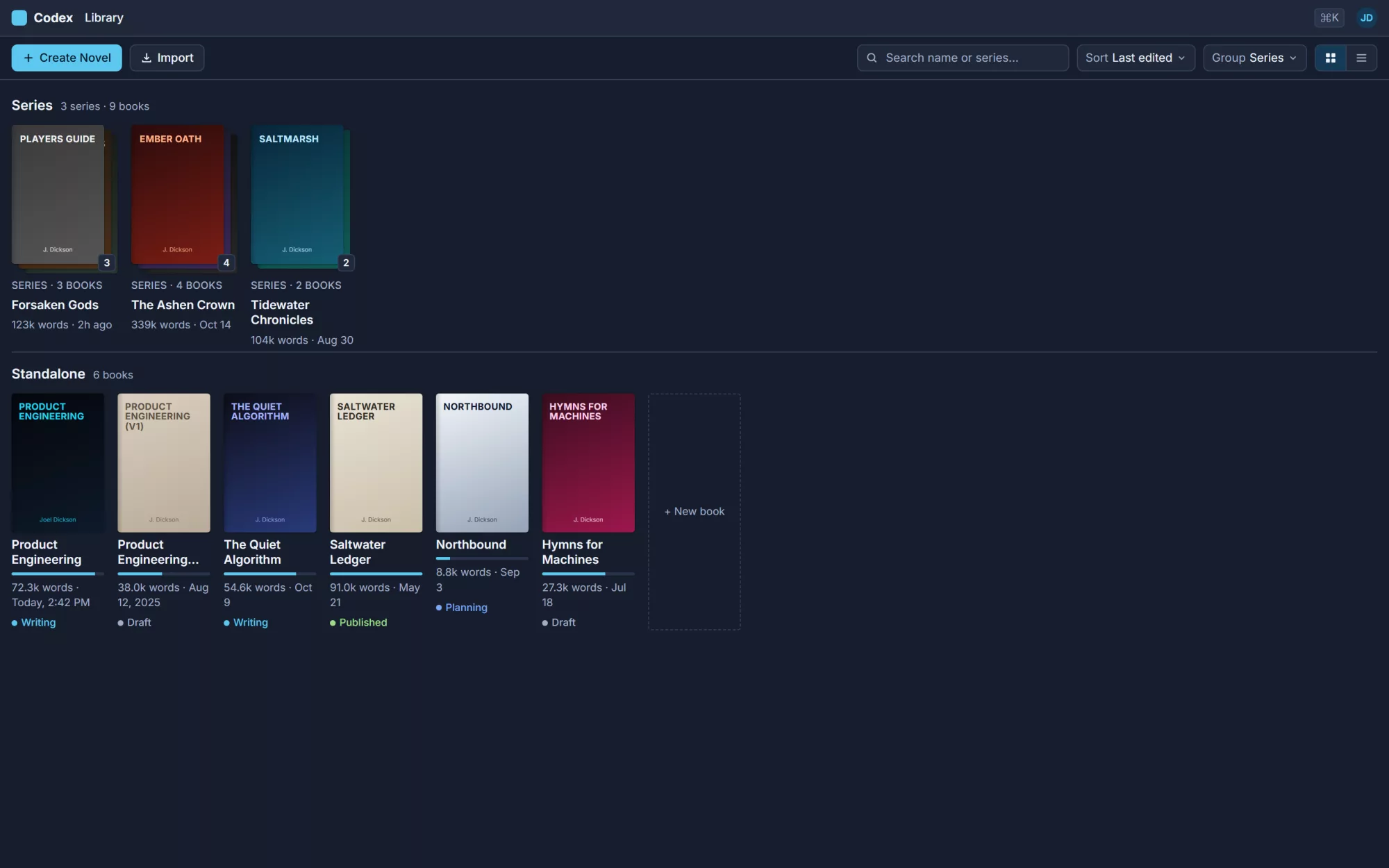
Every book and series on one shelf
Group books into series that share a style guide and settings, and see progress against your word target.
- Series stacks with shared settings
- Status from planning to published
- Import an existing manuscript
Plan the shape before the sentences
A board of acts, chapters and scenes, or a plain outline when you'd rather read than drag.
- Scene summaries and word counts
- Labels like Needs research and Ready to write
- Knowledge base entries pinned to scenes
Write with your plan in the margin
A calm manuscript editor with the scene summary beside the text and your notes one click away.
- Scene beats that draft 200 to 600 words with AI
- Mentions link to the knowledge base as you type
- Focus mode and a manuscript minimap
A knowledge base that knows your book
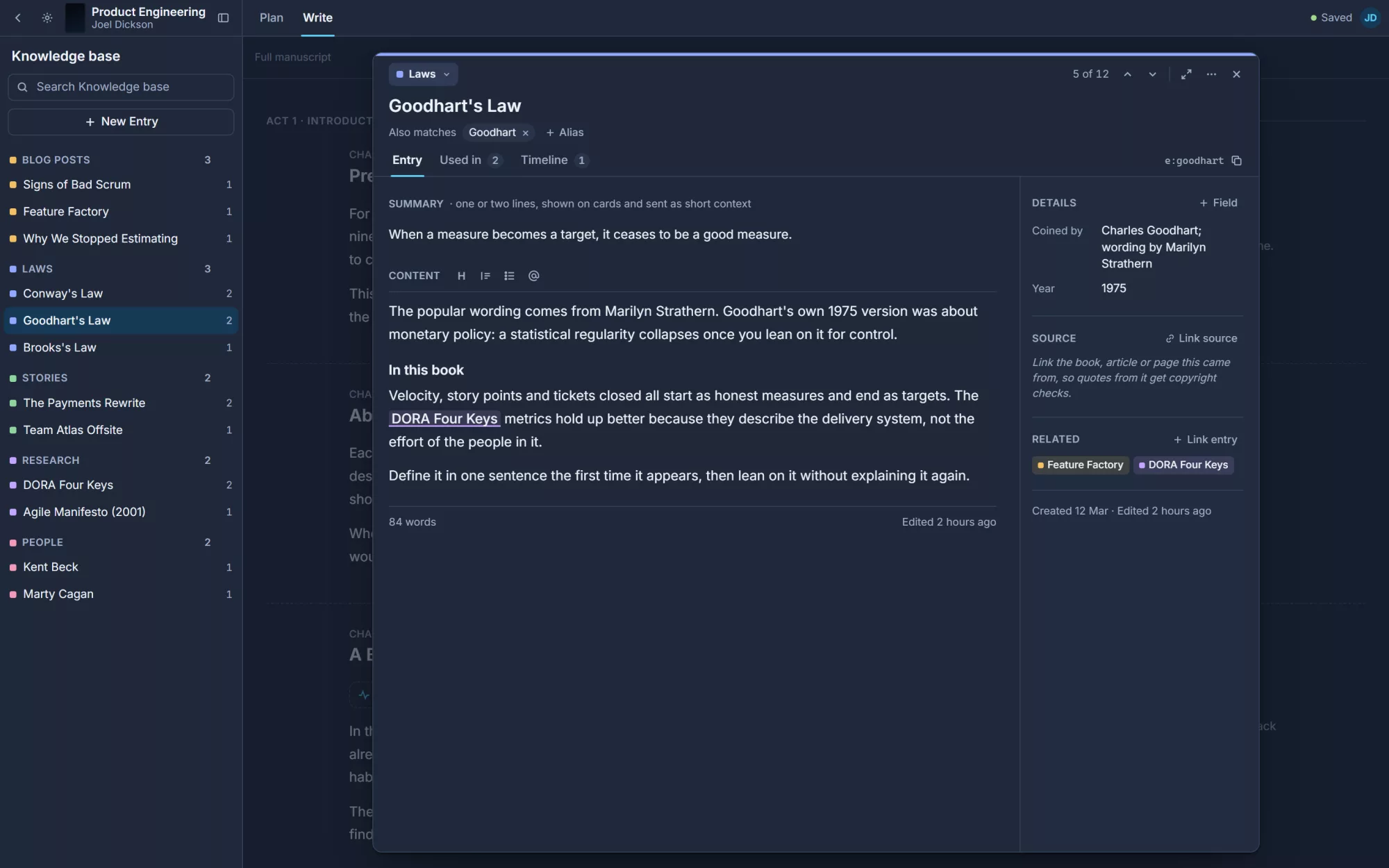
One entry per person, idea or source, with aliases so every mention links itself.
- See every scene that uses an entry
- Timelines for people and events
- Short summaries become AI context
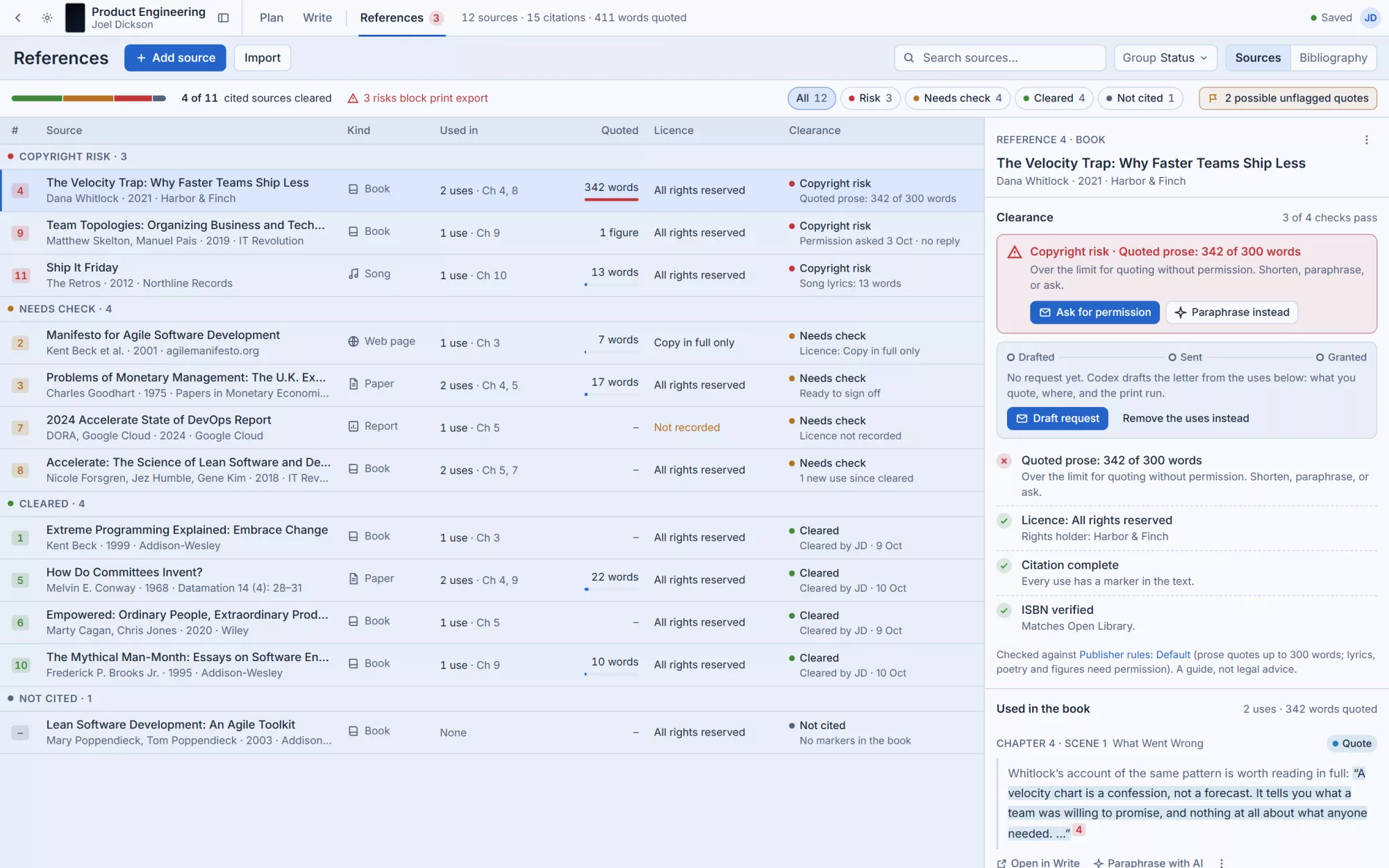
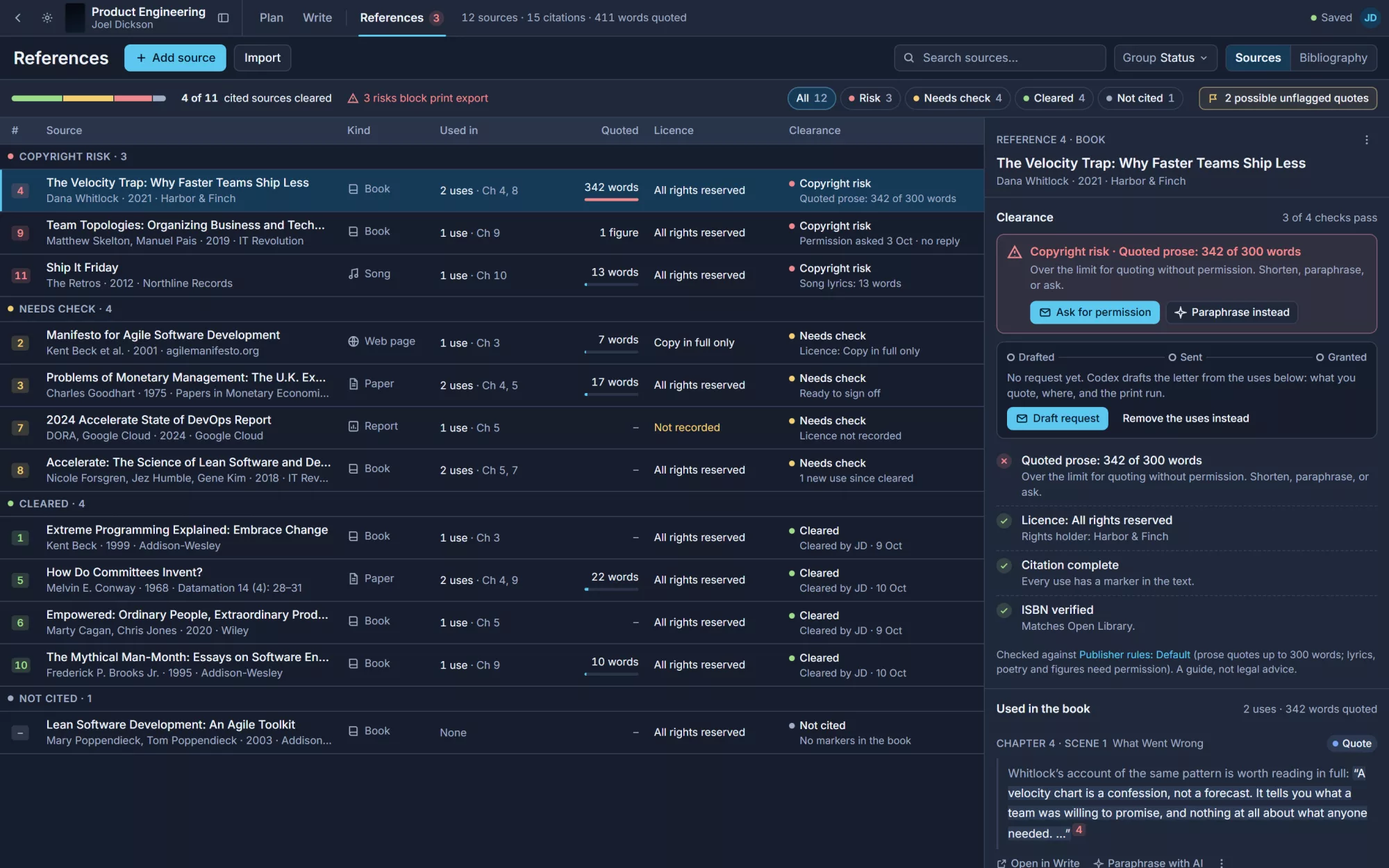
Sources, citations and permissions
Every source you quote, where you used it and whether you're cleared to print it.
- Quoted words counted against publisher limits
- Permission letters drafted for you
- A bibliography in your citation style
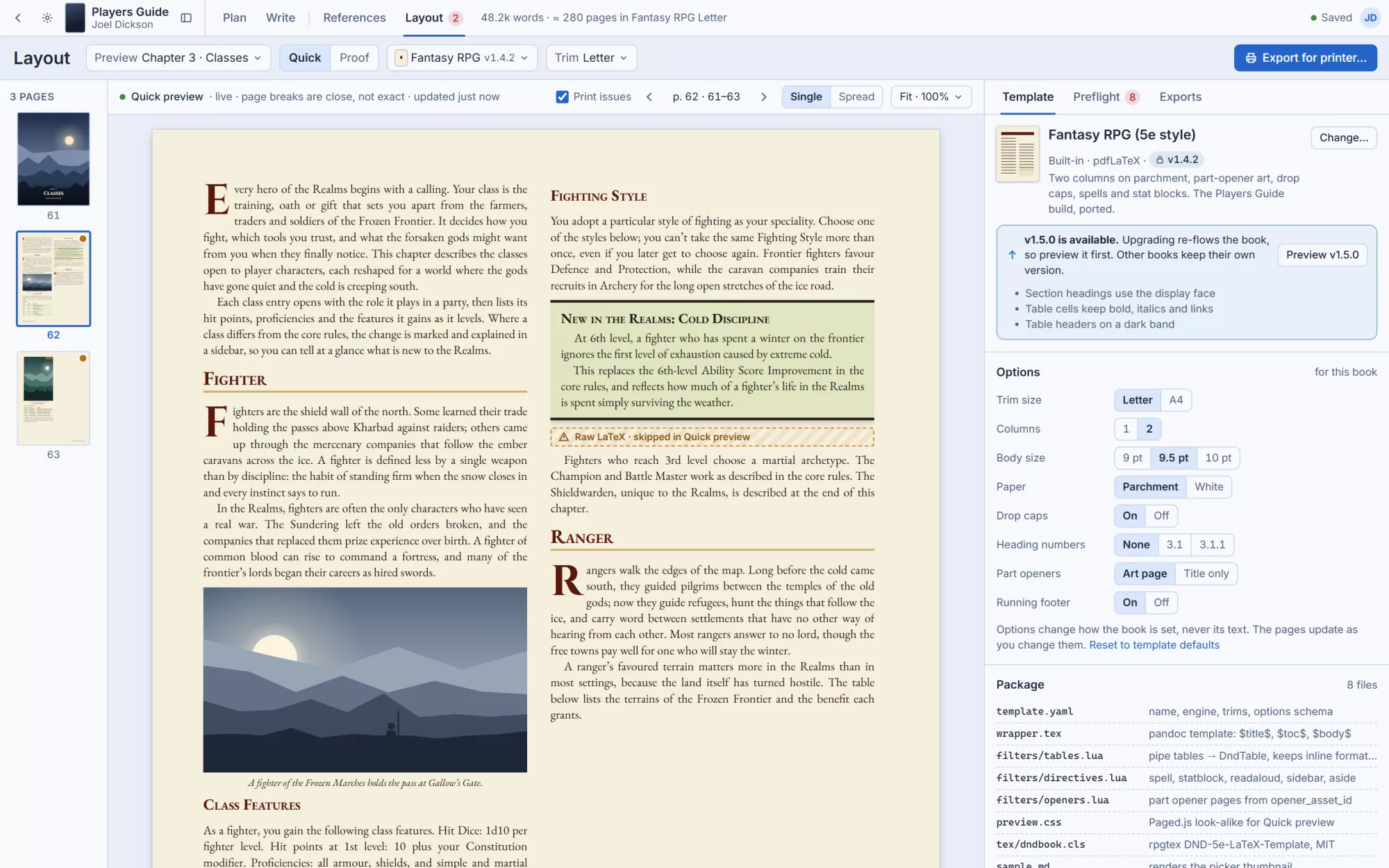
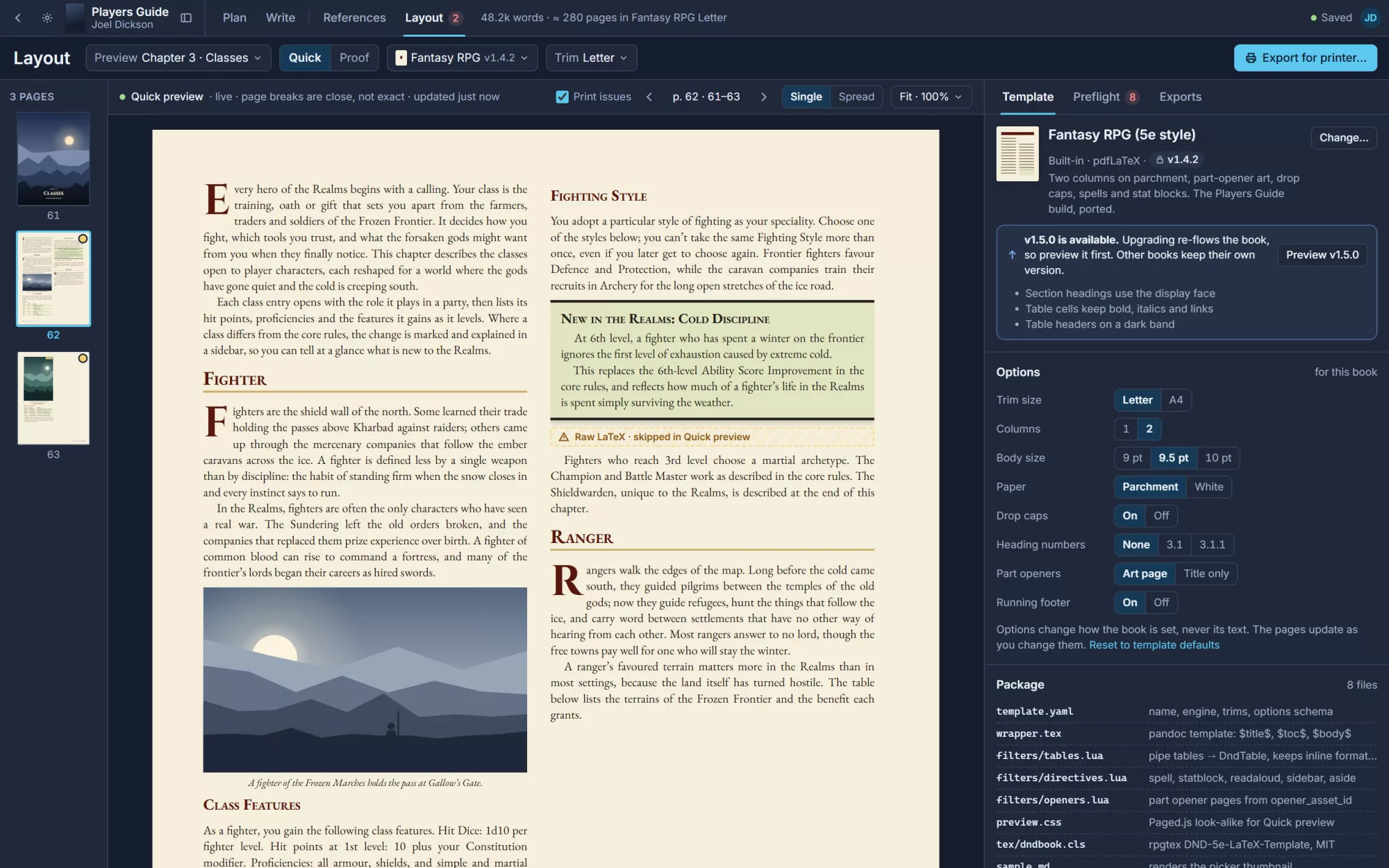
See the printed page while you write
A live preview of the book in its print template, and a real proof when you need exact pages.
- Preflight flags low-resolution images
- Templates with trim, columns and paper options
- Export with bleed and crop marks
Know every quote is safe to print.
Codex counts the words you quote from each source, checks them against your publisher's rules and tells you which ones need permission. When they do, it drafts the request letter from what you quoted and where.
One manuscript, many layouts.
Pick a template and the pages re-flow from the same text. Options change how the book is set, never what it says. When it's ready, export a PDF your printer will accept.
Series-aware
Settings and style guides copy down to every book in a series.
AI that follows the plan
Drafts start from your scene beats and knowledge base, not a blank prompt.
Your house style
Style guide, citation style and publisher rules set once per book.
Always saved
Changes save as you type, so there's no Save button to forget.
Built in the open.
Coming soon.
Codex is free and open source. The designs are done and version 1 is being built now. Follow the project on GitHub to see it take shape and to hear first when early access opens.
- DesignDoneSeven reference screens, light and dark
- Version 1BuildingLibrary, Plan, Write, knowledge base, References and Layout
- Early accessOpen to the first authors
- LaterChat, review, plugins and more exporters